Questions
Is it really free?
Yes. This web version is the full game as it exists today. If it ever comes to Steam, that version will be a paid download with extra content, and the web version stays free.
Where is my save?
In this browser, on this device (browser storage). Clearing site data deletes it, and private windows forget it. Use Settings → Export (or Copy) to back it up, and Import to bring it back on another device. The game also keeps your last three autosaves under Settings → Restore a backup.
Can I play the same world on my laptop and my phone?
Yes. Profiles → Sync gives a profile a secret code and a link. Send the link to yourself and open it on the other device, and the same world appears there (or type the code under Link a synced profile). The game then saves to the cloud while you play and loads the newest copy when you come back. No account, no email, nothing personal: the link is the key, so keep it to yourself. Profiles without Sync never leave your device.
Can I put it on my home screen?
Yes. On an iPhone or iPad: Share → Add to Home Screen. On Android: the browser menu → Install app (or Add to Home screen). On a computer, Chrome and Edge show an install button in the address bar. It then opens like an app, full screen, and works without a connection. One thing to know on iPhone: the Home Screen copy keeps its own save (which Safari doesn't clear), so to bring a factory along, turn on Profiles → Sync in the browser first and use Link a synced profile in the app.
Is there a sandbox or creative mode?
Yes, once one of your factories has finished level 5: Sandbox in the menu opens a world of its own where everything is unlocked and building is free, with an Item Source that makes any item. Blueprints you save there wait in your real factory.
Does it work on phones?
Yes, with touch controls built for fingers: tap a tile to park a see-through ghost, tap it again to build. One finger pans, two fingers zoom. A desktop with a mouse is still the best way to play big factories.
How do I play? The two-minute version.
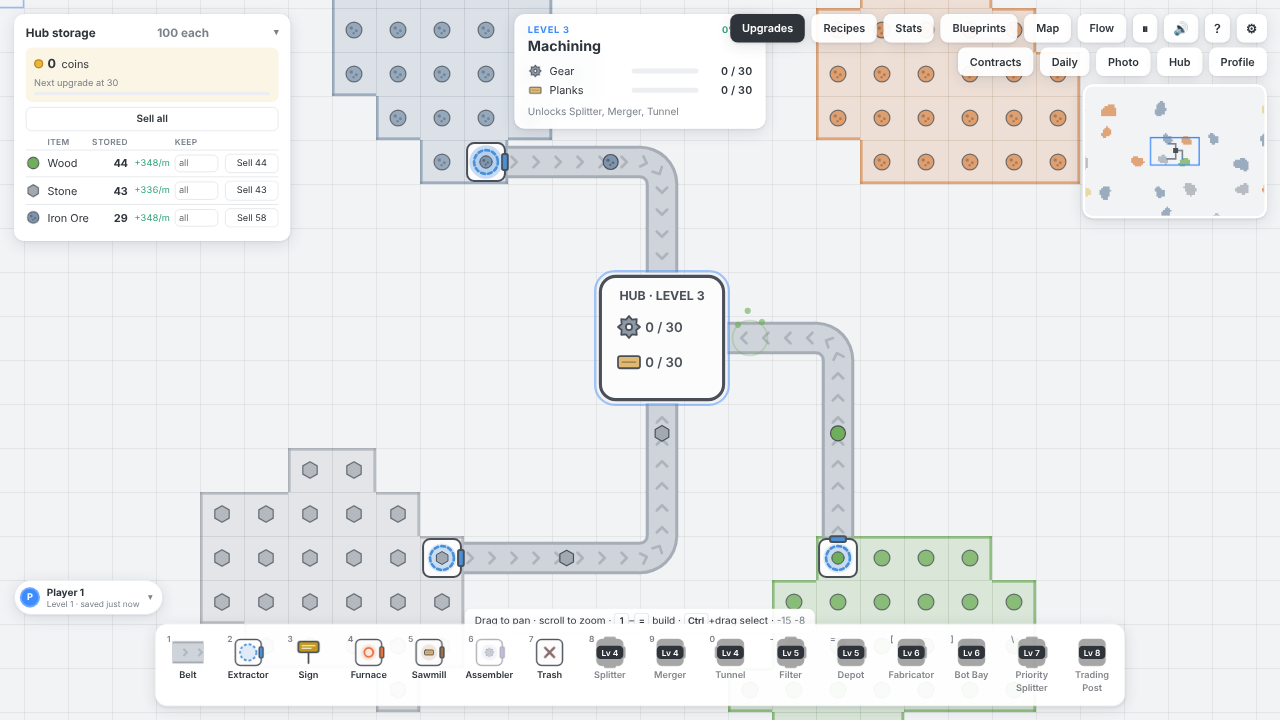
Press 2 for the Extractor and drop it on a coloured deposit; its arrow shows where items come out. Press 1 for Belts and drag a line from the extractor into the Hub in the middle; R rotates. When the level panel fills up, pick the next goal or stop. The game saved already. The beginner's guide walks through every level, and the reference lists every building and recipe.
Are there ads?
Not in this version. If one small ad ever appears beside the game on wide screens, it will be to help pay for hosting; it would never sit over the game, and the privacy page says what the ad provider could collect.
Found a bug or have an idea?
Open Settings → Bug report & comments inside the game, write what happened and press Send report; it reaches the developer directly, with optional anonymous play stats. You can also post it in the Discord (ages 13+).